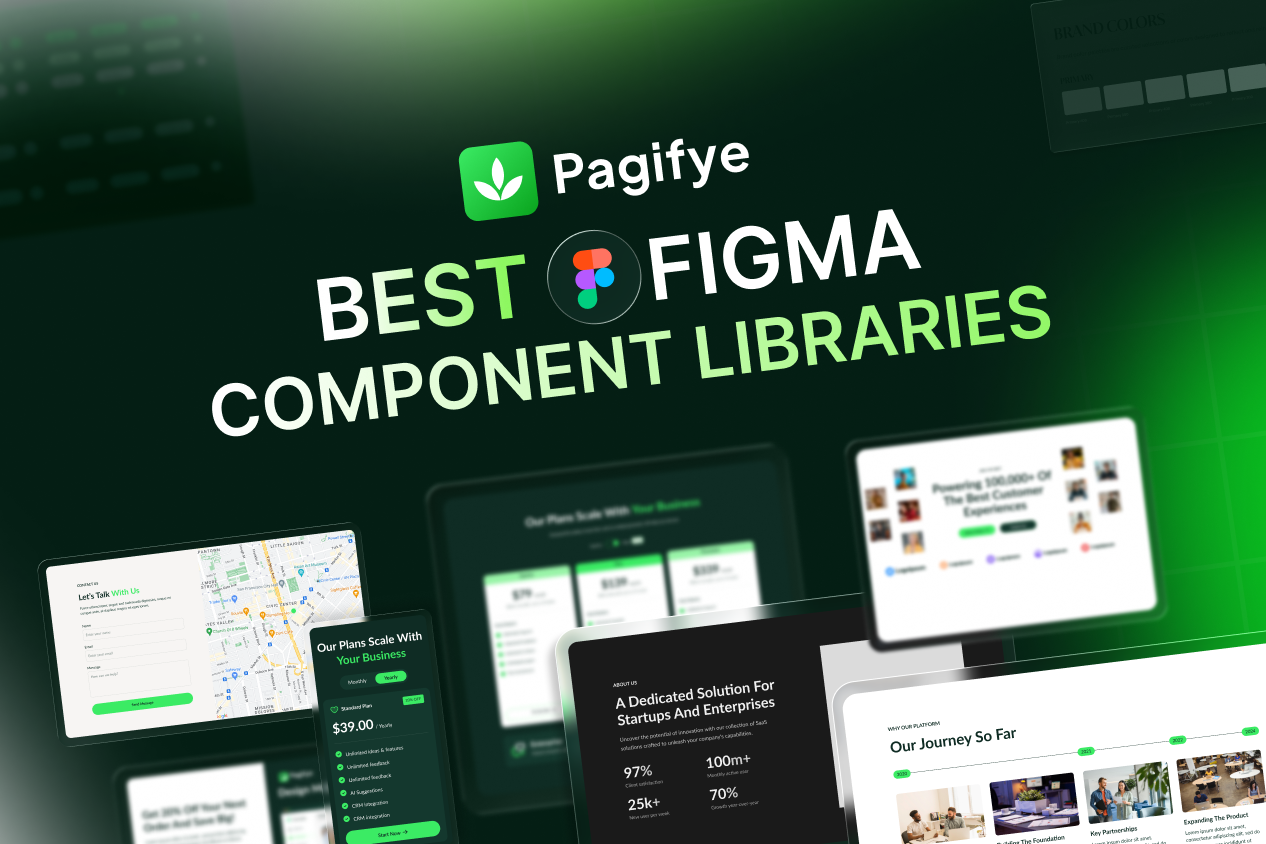
A strong figma component library can save hours in every design project. Instead of creating the same buttons, cards, forms, navbars, sections, and layouts again and again, designers can start with reusable components and focus more on user experience, structure, and visual quality.
In 2026, the best figma libraries are not just simple UI kits. They support Auto Layout, variables, modes, responsive design, dark mode, and cleaner handoff between design and development. Figma’s variable modes can also work with component instances, which makes modern design systems easier to manage across themes and screen sizes.
For designers working on websites, SaaS products, landing pages, dashboards, or no-code projects, choosing the right component library can make the full workflow much faster.
What Makes a Good Figma Component Library?
A useful figma library should feel easy to use inside real projects. It should not look good only in the preview file.
The best figma component libraries usually include:
Clean and reusable figma component assets
Smart figma component variants
Auto Layout support
Light and dark mode options
Responsive sections
Design tokens or variables
Organized layers
Website and app UI patterns
Developer-friendly structure
This is important because many designers still work with an old figma ui style, where every section is manually created, layers are messy, and updates take too much time. A modern figma ui workflow should be faster, cleaner, and easier to scale.
1. Pagifye, Best Figma Component Library for Website Designers
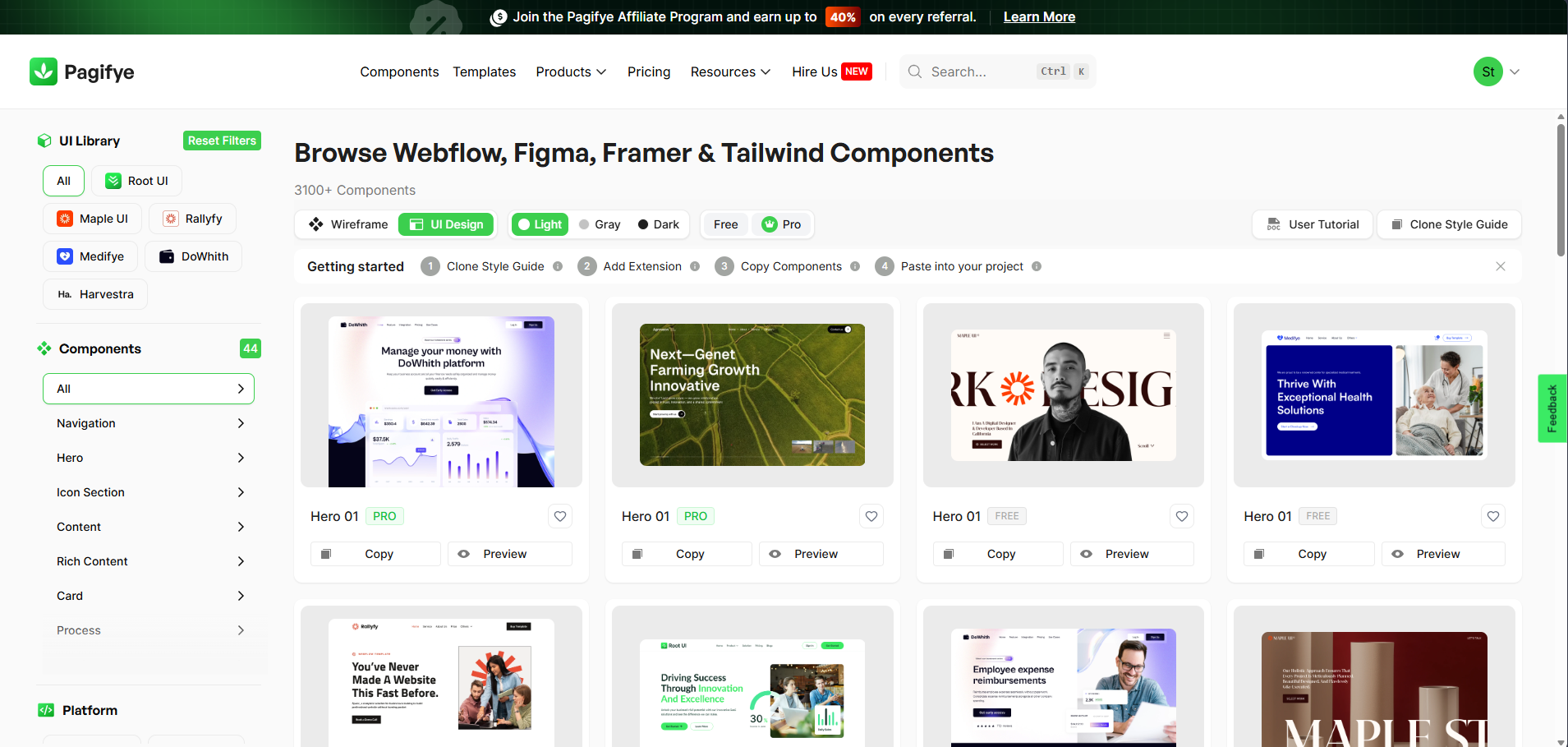
Pagifye is one of the most practical options for designers who create websites, landing pages, templates, and client projects. It offers 3100+ ready-made web UI components for Figma, Webflow, Framer, and Tailwind CSS, which makes it useful for both design and no-code workflows.
Pagifye works well as a ui component library because it includes full website sections, not just small interface elements. Designers can use it for hero sections, content blocks, feature sections, pricing layouts, testimonials, footers, and more.
It is especially helpful for:
Website designers
Webflow developers
Framer builders
Tailwind CSS users
SaaS and startup projects
Agency and business websites
Landing page design
Template creation
Pagifye also supports a smoother workflow from figma ui design to Webflow, Framer, or Tailwind. For designers who want to stop starting from zero, this makes it a strong choice.
2. Untitled UI, Best for SaaS and Product Design
Untitled UI is a popular choice for SaaS products, dashboards, and web apps. It is positioned as a large Figma UI kit and design system, with a strong focus on modern product interfaces.
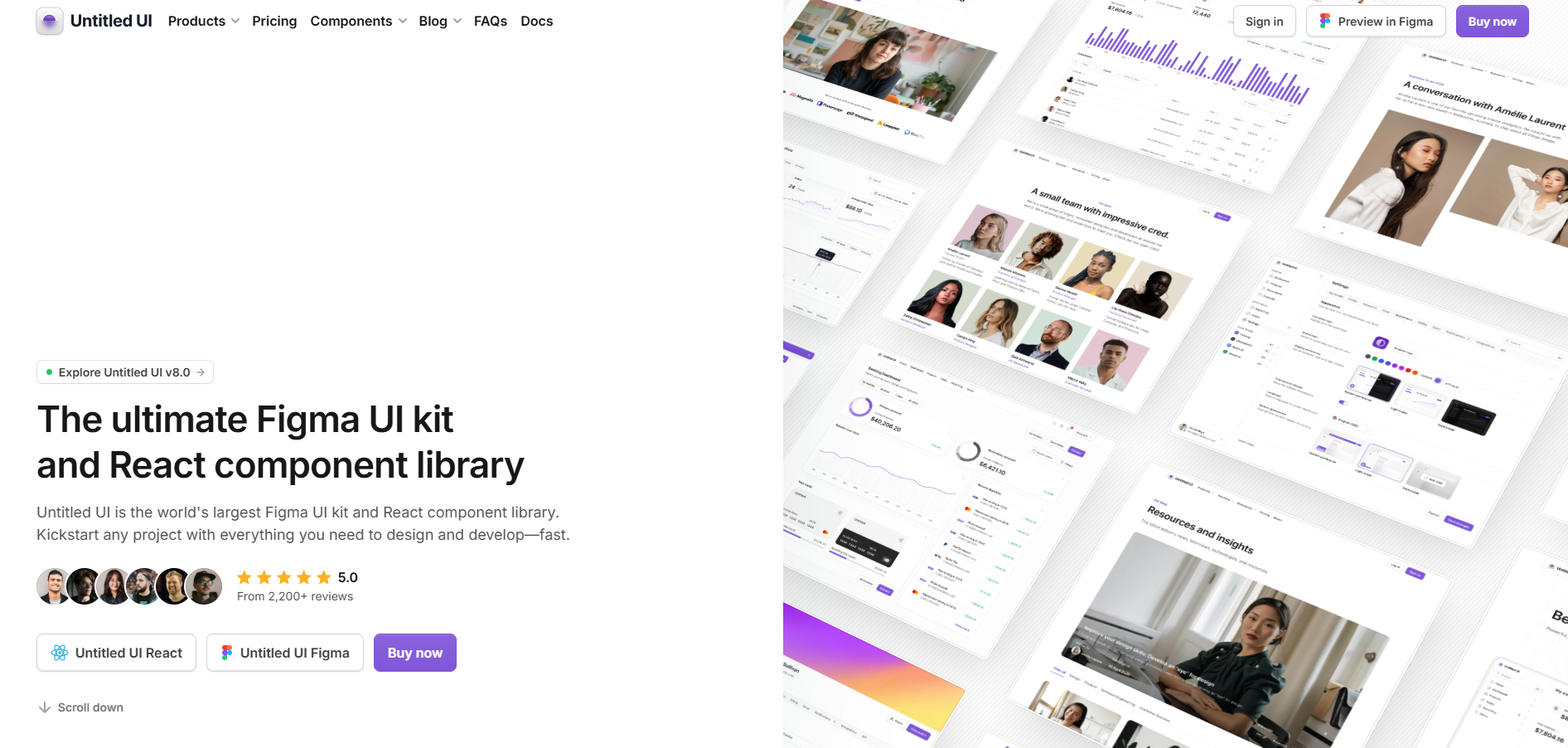
This figma components library is useful when you need polished dashboard layouts, form systems, tables, settings pages, and product UI patterns. It works best for designers who mainly focus on SaaS, admin panels, and complex web applications.
3. Flowbite, Best Tailwind Component Library with Figma Support
Flowbite is a strong tailwind component library for teams that design in Figma and build with Tailwind CSS. Its Figma design system includes 1000+ components, variants, pages, dark mode, and Tailwind-friendly structure.
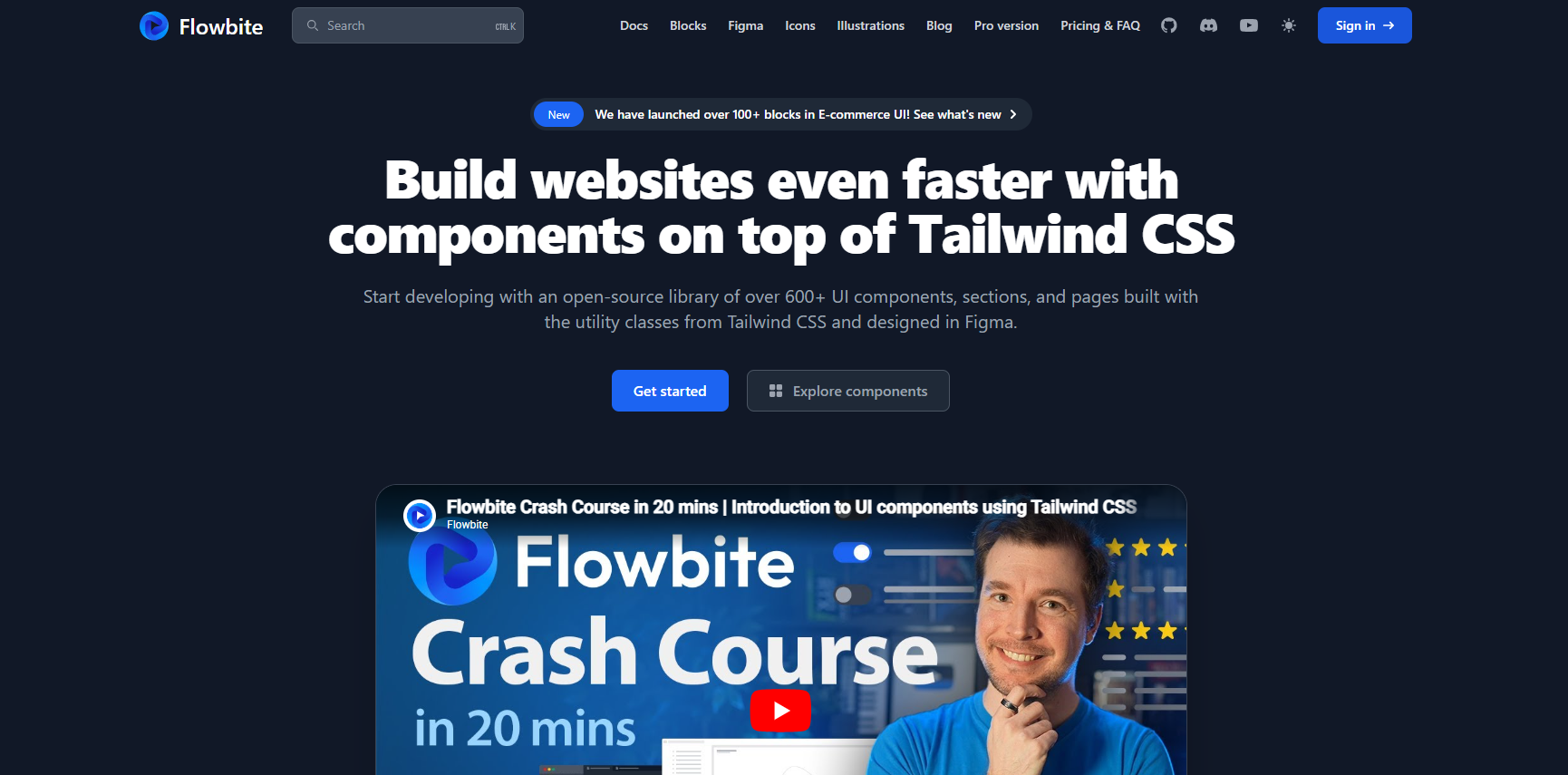
This makes Flowbite useful for figma ui ux design projects where designers and developers need to stay close to the same system. It is a good fit for landing pages, dashboards, SaaS products, and responsive web apps.
4. MUI for Figma, Best for React and Material UI Teams
MUI for Figma is useful for teams already building with Material UI. It includes Figma representations of the React components, along with shared terminology for props, variables, design tokens, and other development values.
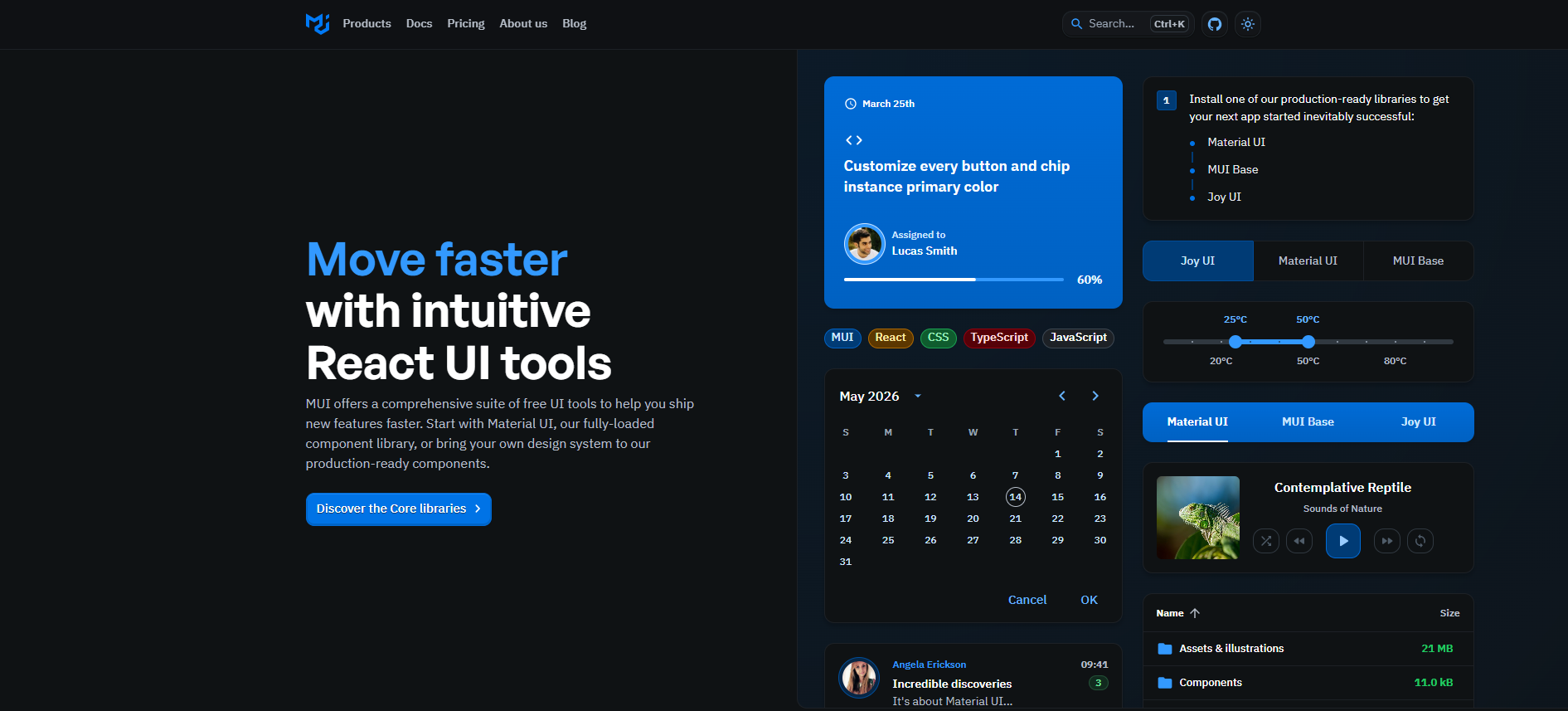
This is a good choice for enterprise products, admin dashboards, internal tools, and React-based platforms. It may not be the most creative-looking library, but it helps designers and developers stay aligned.
5. shadcn UI Kits, Best for Modern Developer-Friendly Interfaces
shadcn/ui has become popular because it gives teams clean, customizable components instead of a locked visual style. The official shadcn/ui Figma page lists compatible Figma kits that support design-to-development handoff.
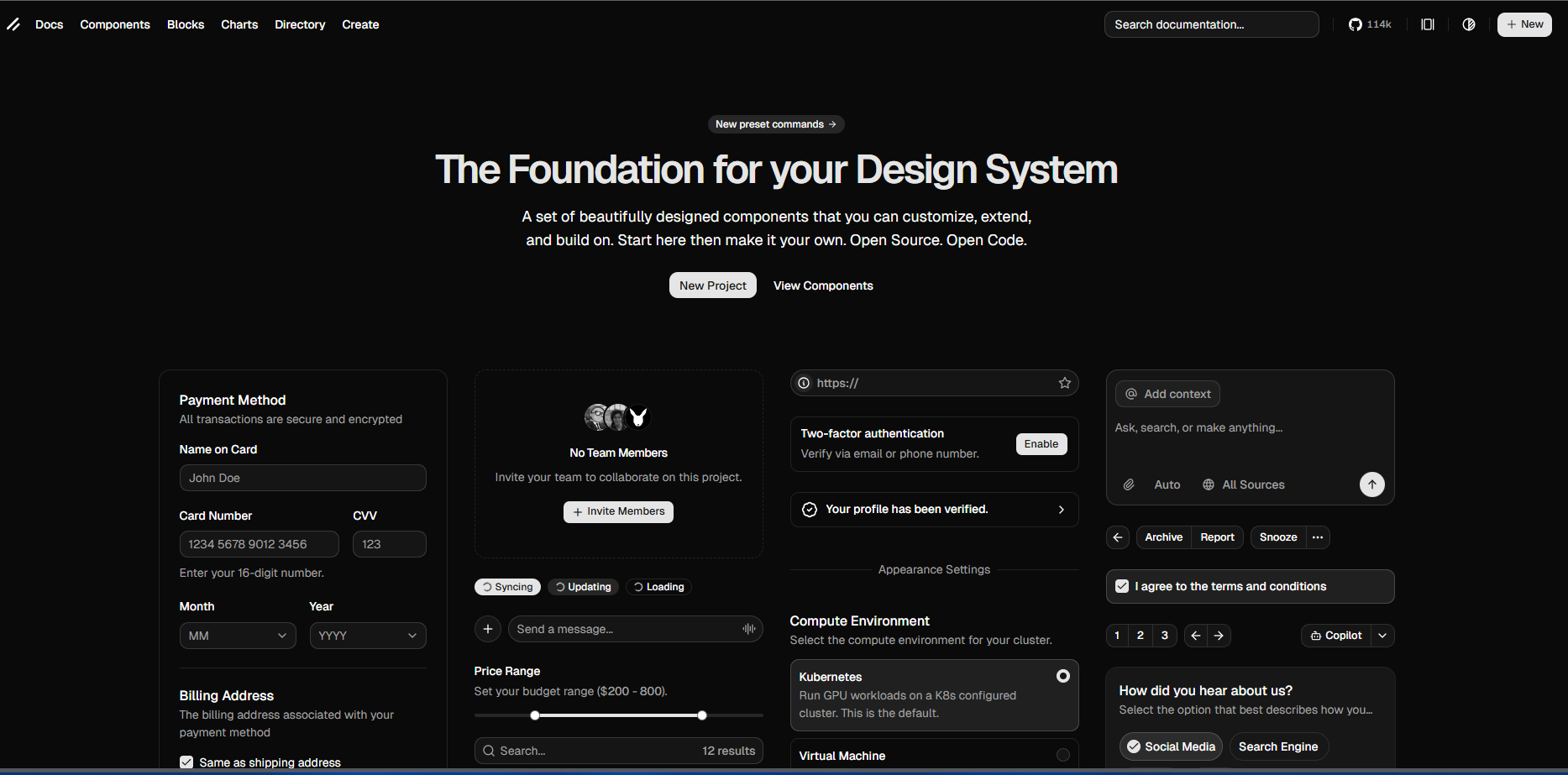
A shadcn-style web component library is useful for modern SaaS products, AI tools, dashboards, and startup websites. It gives designers a simple visual base that developers can customize easily.
6. Webflow and Framer Component Libraries
A webflow component library or framer component library is useful when your design work does not stop inside Figma. Many designers now design in Figma, then build directly in Webflow or Framer.
This is where Pagifye becomes more useful than a normal UI kit. It supports Figma, Webflow, Framer, and Tailwind CSS in one workflow, so designers can move from design to build without recreating everything manually.
For agencies, freelancers, and no-code builders, this kind of multi-platform component system can save a lot of production time.
How Figma Make and Figma Sites Change Component Workflows
Newer Figma tools are also changing how designers use component libraries. figma make helps users generate and iterate with AI-powered design tools, while Figma’s AI app builder can turn ideas into interactive apps and prototypes.
figma sites also makes website creation more connected to the Figma workflow. Because of this, a modern figma component library should not only help designers create static screens. It should support faster website planning, prototyping, and production.
Best Figma Libraries Free, Are They Enough?
Many beginners search for best figma libraries free because they want to practice without paying first. Free libraries are helpful for learning, testing styles, and building small personal projects.
But for client work or serious product design, free resources can feel limited. They may have fewer variants, weaker documentation, inconsistent naming, or missing responsive sections. Paid figma component libraries usually save more time because they are built for repeated professional use.
Is Figma Free for Using Component Libraries?
Many new designers also ask, is figma free for using component libraries? Figma has free access options, and designers can use many community files and starter resources. However, advanced team features, professional design systems, and some third-party libraries may depend on Figma’s plan or the library’s own pricing.
So the better question is not only whether Figma is free. The better question is whether your design workflow helps you work faster, stay consistent, and deliver better projects.
Final Thoughts
The best figma libraries in 2026 are not just collections of UI elements. They help designers build faster, keep projects consistent, and connect design with real development workflows.
For website designers, Pagifye is one of the most practical choices because it works across Figma, Webflow, Framer, and Tailwind. For SaaS and product teams, Untitled UI, Flowbite, MUI, and shadcn-style kits are also strong options.
A good figma component library should help you design faster without making your file messy. It should support your real workflow, not just decorate your canvas.