A good icon can communicate an action faster than a line of text. A bad or inconsistent one can make an otherwise polished interface feel unfinished.
That is why choosing the right icon library matters.
For designers, the ideal library needs consistent styles, clean SVG files, and an easy workflow with tools like Figma, Webflow, and Framer. Developers may also need framework support, optimized SVG output, and flexible implementation options.
And while large icon stock marketplaces can offer millions of assets, more is not always better. For UI and web design, a focused collection with consistent visual rules is often more useful than searching through endless unrelated styles.
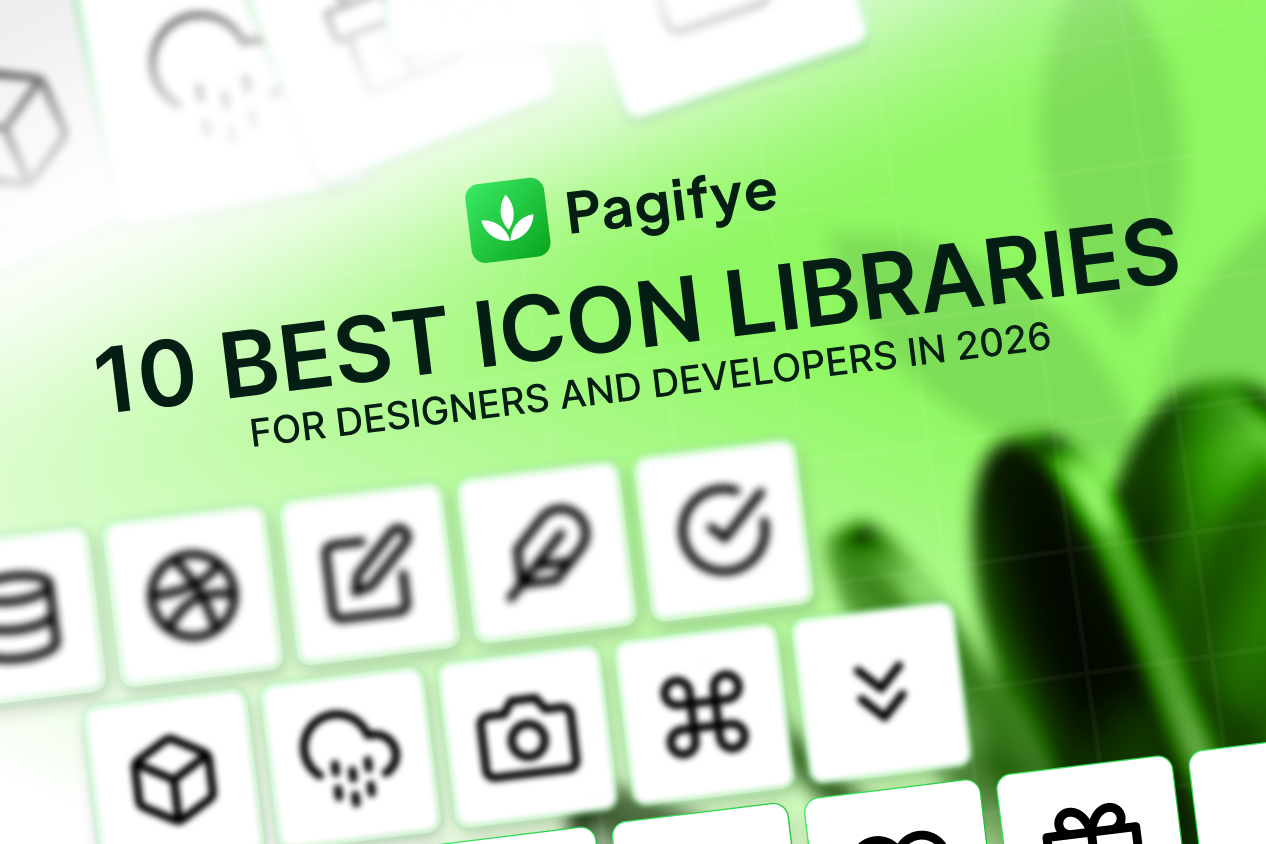
To help you choose, here are 10 of the best icon libraries for designers and developers in 2026.
1. Pagifye Icons
Best for: Designers and developers working across Figma, Webflow, and Framer
Pagifye Icons offers 20,000+ pixel-perfect icons, making it the largest collection in this comparison.
The library is built around the workflow of modern website designers and developers rather than functioning as a standalone icon stock marketplace. Icons sit within the wider Pagifye ecosystem alongside UI components, templates, Figma resources, and tools for Webflow and Framer.
That makes it particularly useful when icons are only one part of the project.
A designer might start with a Figma layout, use an SVG icon for interface elements, move the design from Figma to Webflow, and continue building with reusable components. The goal is to keep more of that workflow connected instead of searching across several different platforms.
With more than 20,000 icons available, the collection also gives designers more room to find specific assets without constantly switching between unrelated icon packs.
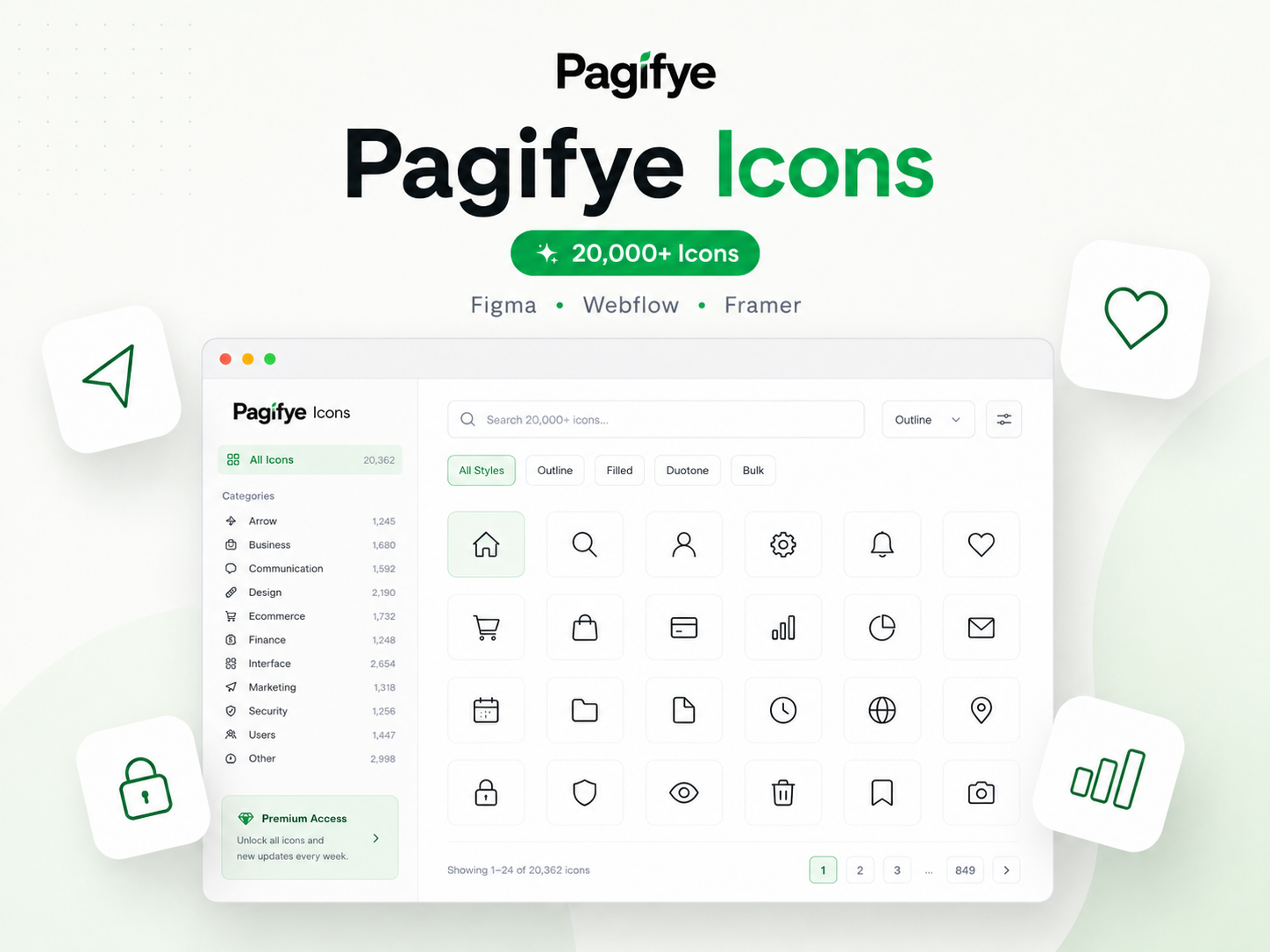
Why Pagifye stands out
Pagifye combines a large icon collection with a workflow designed around modern visual website-building tools.
It is especially useful for:
Figma designers
Webflow developers
Framer creators
UI and UX designers
Freelancers and agencies
Product and website design teams
Whether you need a simple phone icon, email icon, navigation symbol, business icon, or more specialized interface asset, having a larger collection within the same design ecosystem can reduce unnecessary searching.
Best choice for: Designers and developers who want one large icon library for Figma, Webflow, Framer, and modern website projects.
2. Flowbase Icons
Best for: Webflow, Figma, and Framer creators
Flowbase has built a strong ecosystem around resources for no-code website creators, and its icon collection is a natural extension of that workflow.
The Flowbase icon library currently provides access to 15,000+ open-source and premium icons. Its Figma and Framer integrations also make icons available within those workflows.
For someone already using Flowbase components or other design resources, this can be convenient. Icons can be searched and used without treating them as a completely separate part of the website-building process.
Flowbase also supports multiple output options, including SVG, PNG, and Webflow formats.
This makes it a particularly relevant alternative for a Webflow agency, freelancer, or no-code designer who regularly builds client websites.
Best choice for: Designers already working within the Flowbase ecosystem or moving between Webflow, Figma, and Framer.
3. Phosphor Icons
Best for: Designers who need multiple weights and visual styles
Phosphor is a flexible icon family designed for interfaces, diagrams, presentations, and other digital projects.
Its official library currently offers a complete download containing 9,072 icon files across its available variations.
The real strength of Phosphor is not simply the number of files. It gives designers multiple visual weights, making it easier to create hierarchy without combining completely different icon families.
For example, a lighter style can work well for secondary interface elements, while a stronger weight can create more emphasis in navigation or important actions.
This flexibility makes Phosphor useful for product teams building a visual system that needs more personality than a single outline style.
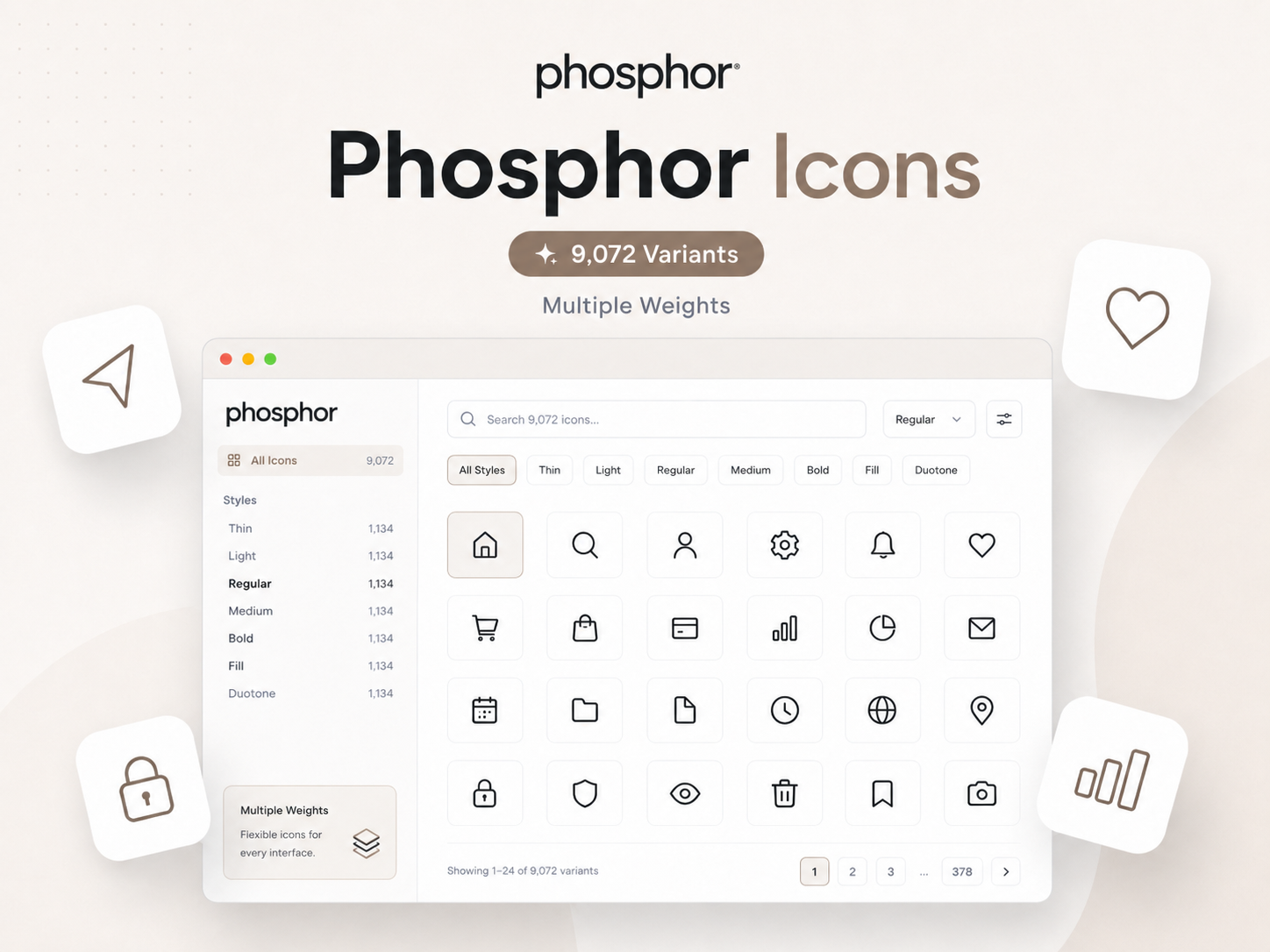
Best choice for: Design systems, product interfaces, presentations, and projects that need multiple icon weights.
4. Atlas Icons
Best for: Open-source projects that need multiple stroke weights
Atlas Icons offers 2,660 unique icon designs, with each available in thin, regular, and bold weights. That creates a total collection of 7,980 icon variations. The library is open source under the MIT License and also provides a Figma plugin and source SVG files.
The multiple-weight system gives designers more flexibility while keeping the overall visual language consistent.
Instead of searching one library for a thin icon and another for a stronger version, teams can maintain the same icon family throughout the interface.
The collection covers common UI, communication, business, medical, weather, transportation, and other categories.
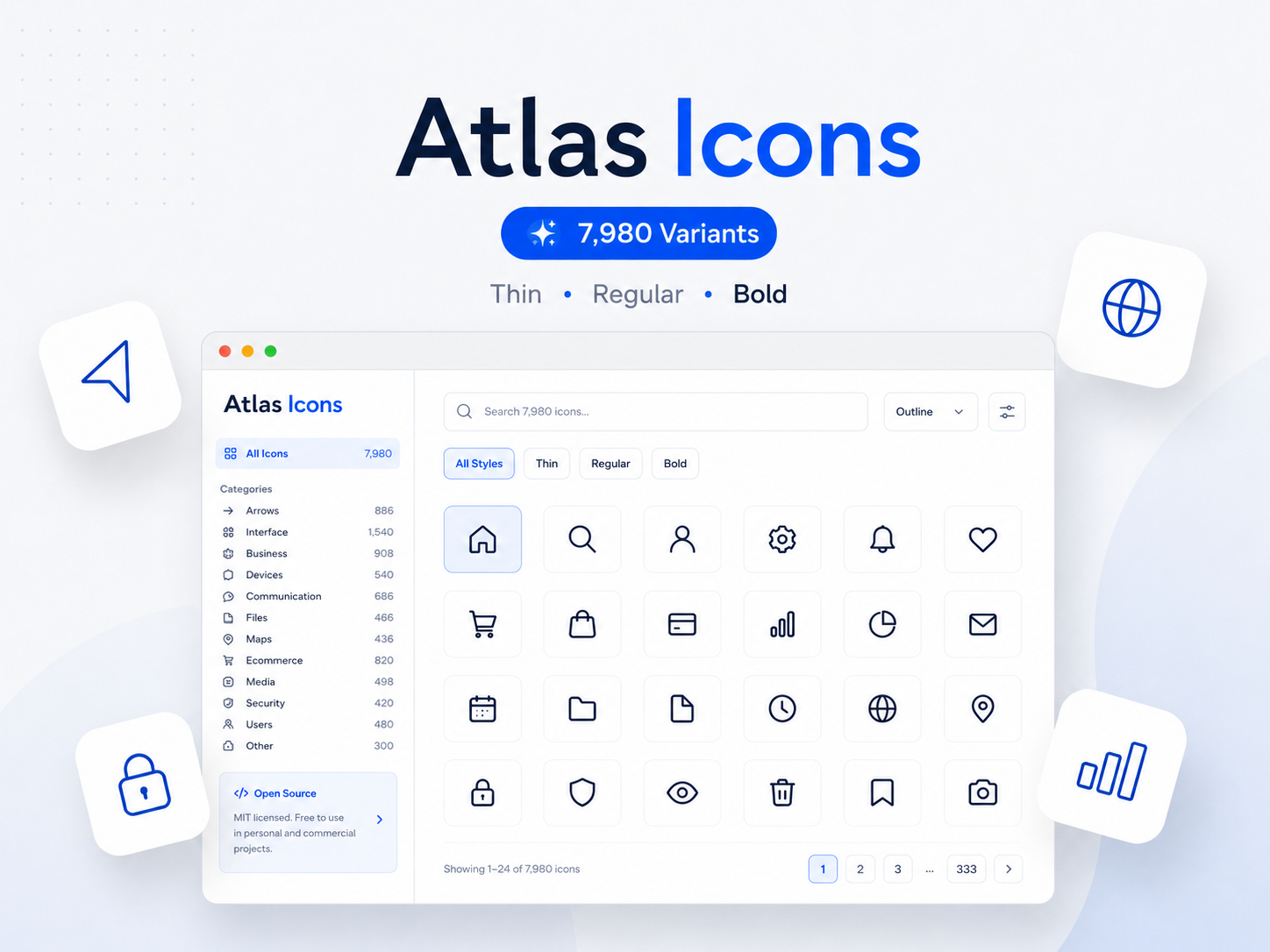
Best choice for: Designers and developers looking for a free icon library with multiple stroke weights and broad category coverage.
5. Tabler Icons
Best for: SaaS products, dashboards, and modern design systems
Tabler Icons is one of the strongest open-source options for modern interface design.
The library currently contains 6,146 icons designed with consistent spacing and line weights. It also provides packages and integrations for Figma, React, Vue, Svelte, SVG, PNG, webfonts, and other environments.
Its clean visual language works particularly well for:
SaaS dashboards
Admin panels
Productivity tools
Web applications
Design systems
Tabler is a good example of why consistency can matter more than raw volume. More than 6,000 icons is already enough for a wide range of products, while the shared design rules help keep interfaces visually connected.
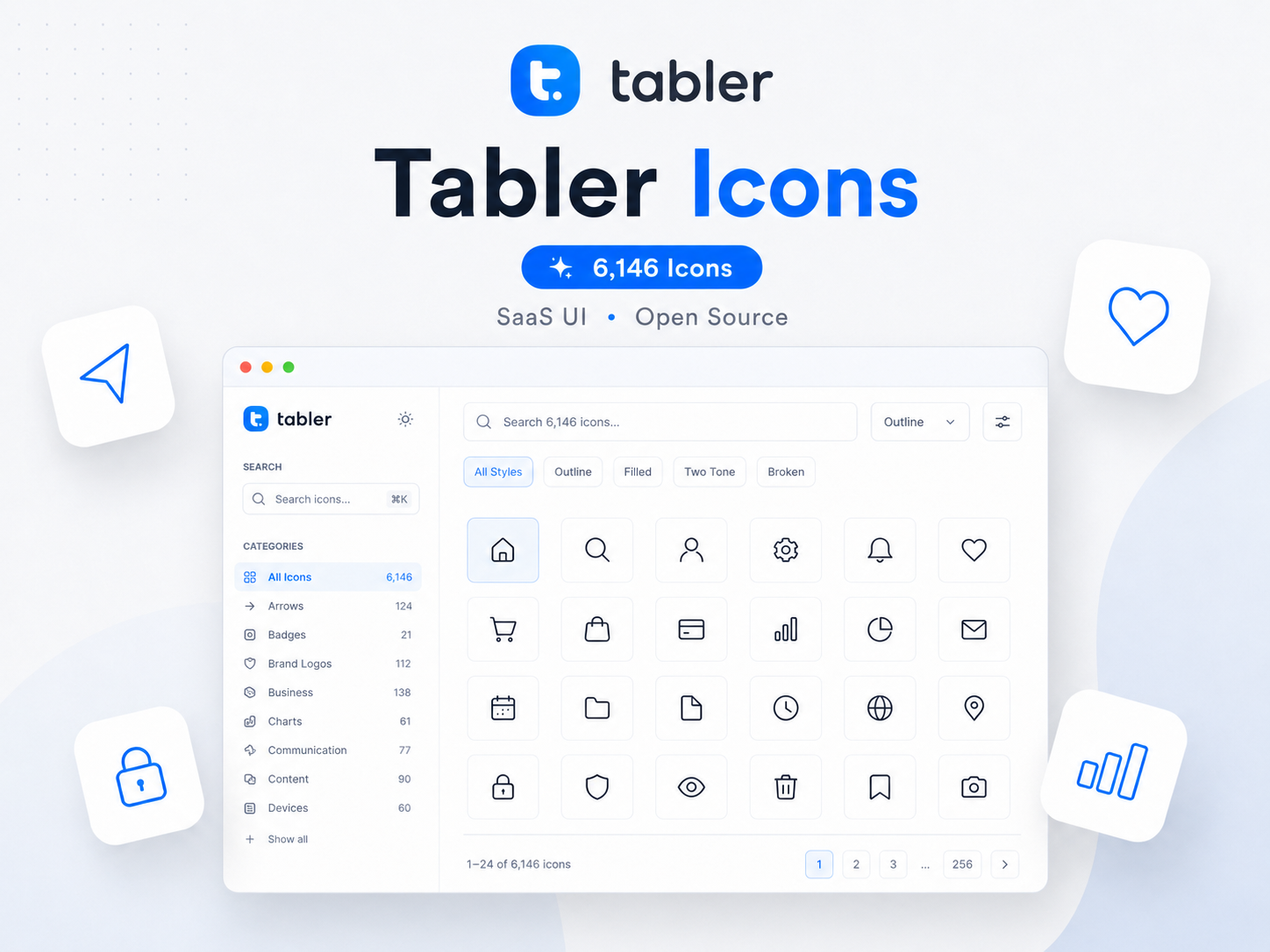
Best choice for: Product teams looking for a large, consistent, and free icon library.
6. Untitled UI Icons
Best for: Designers working primarily in Figma
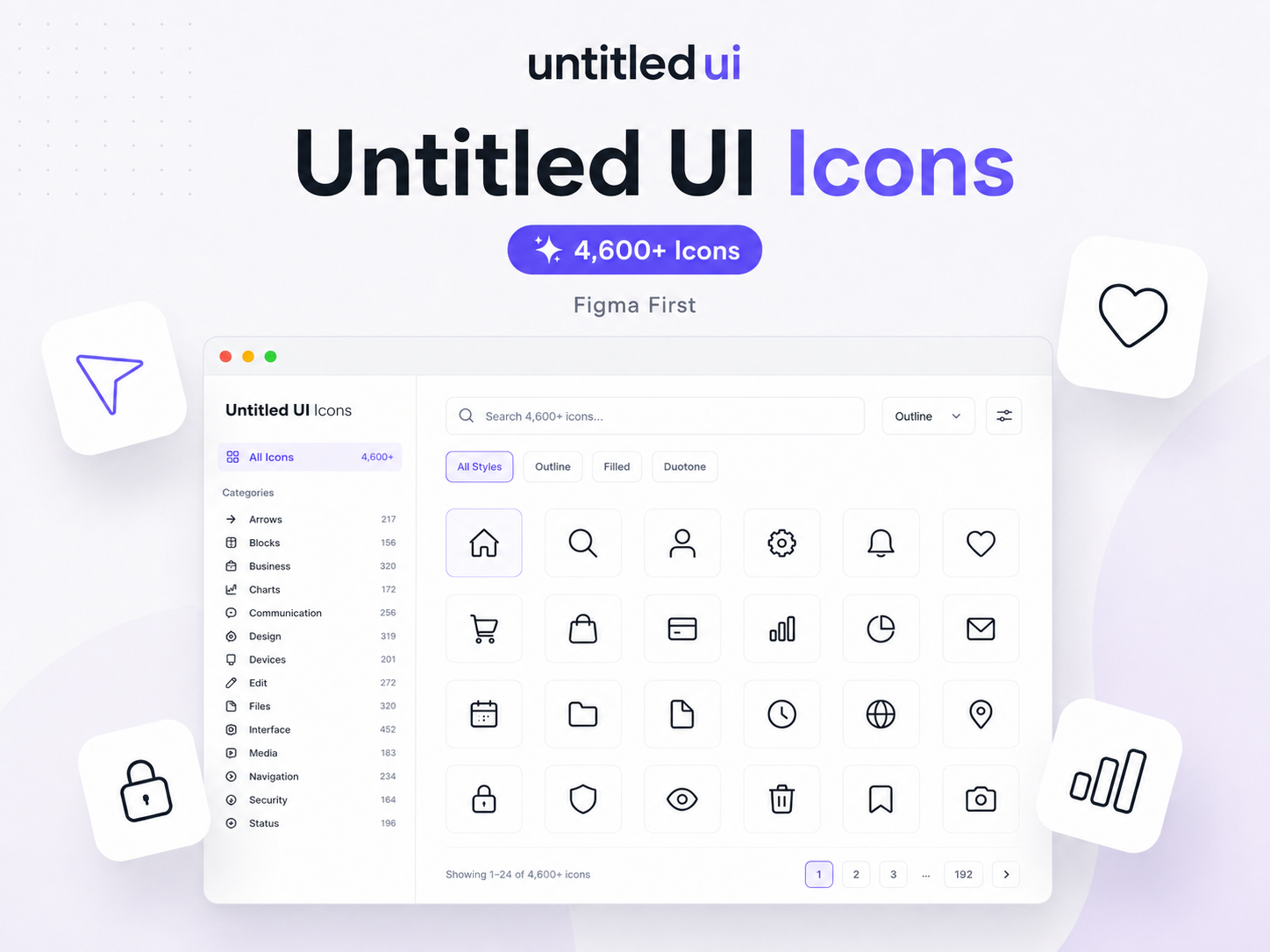
Untitled UI Icons takes a distinctly Figma-first approach.
The library offers 4,600+ icons across four styles, including line, duocolor, duotone, and solid variations. It is designed specifically around Figma components and component overrides.
That matters for designers working with larger component systems.
Changing or swapping an icon inside a component can sometimes break styling or require manual fixes. Untitled UI Icons is designed to work with Figma's component properties and override workflow.
Its SVG output is also optimized for scalability and cleaner files.
A free version with 1,100+ line icons is available, while the larger collection is part of the paid offering.
Best choice for: UI designers who spend most of their time in Figma and want a polished, Figma-native icon system.
7. Remix Icon
Best for: Designers and developers who want a neutral open-source style
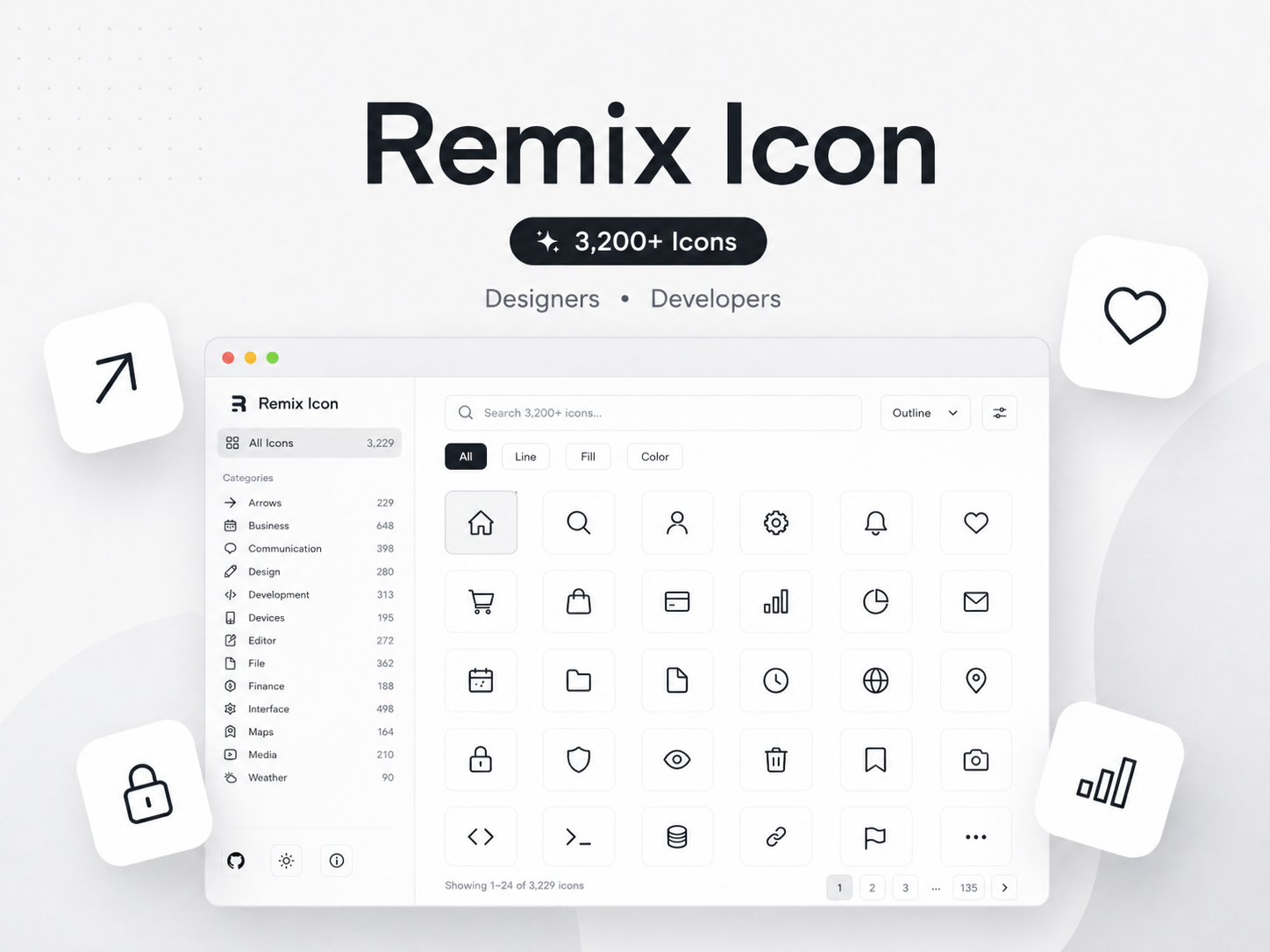
Remix Icon is an open-source collection of more than 3,200 icons created for designers and developers. Its icons follow a consistent 24×24 grid and are available in outlined and filled styles.
The visual style is intentionally neutral.
That makes Remix Icon easier to use across different types of products without making the icons feel too strongly tied to one brand personality.
It works well for common interface requirements such as navigation, communication, business tools, media controls, and system actions.
For teams that need both outline and filled states, the paired styles can also be useful for active navigation, selected states, or stronger visual emphasis.
Best choice for: Open-source web and application projects that need a versatile, neutral icon system.
8. Lucide
Best for: Clean and lightweight modern interfaces
Lucide focuses on simple, consistent SVG icons.
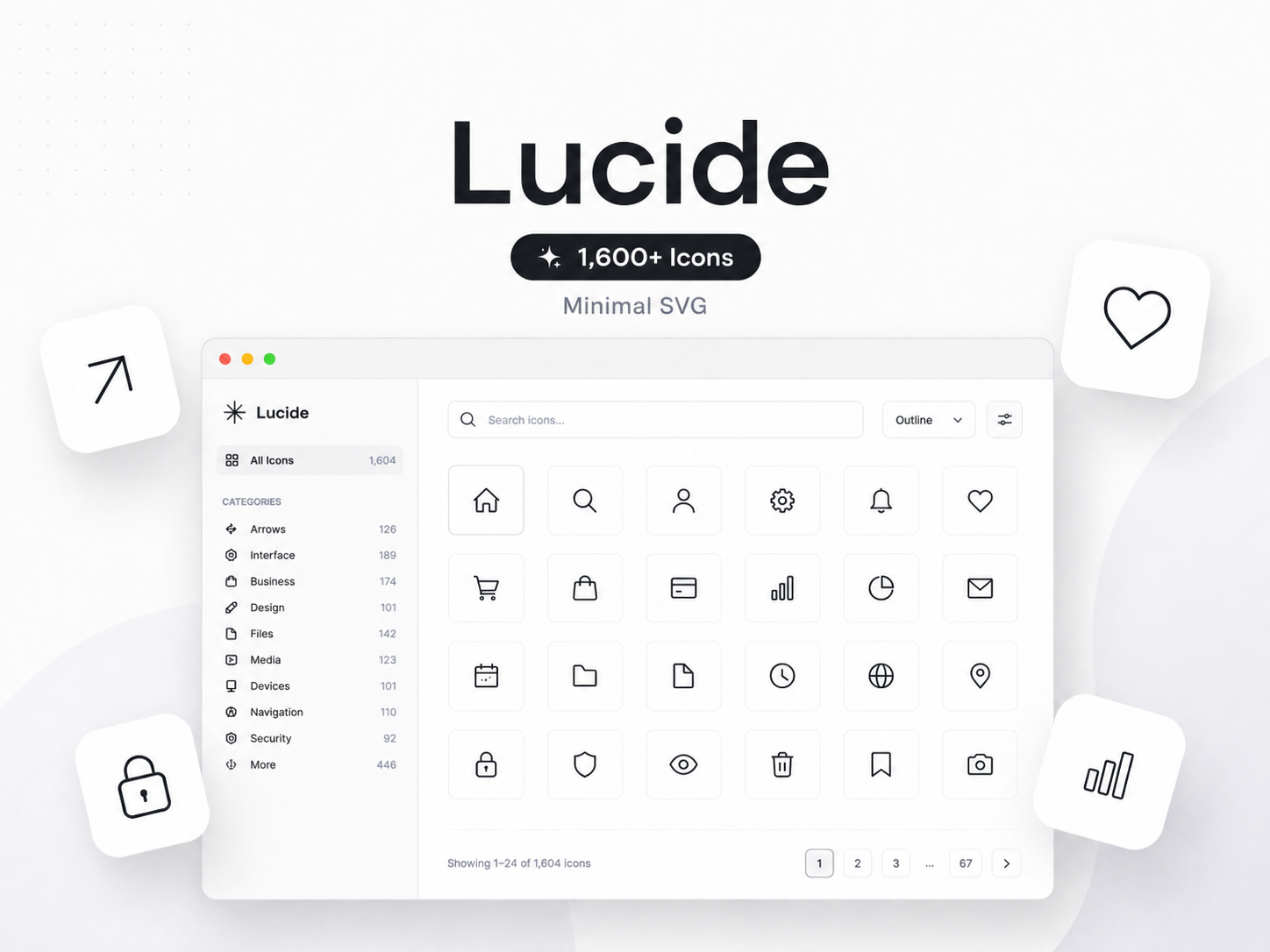
The official project provides 1,600+ vector SVG icons, along with packages for major development environments. The icons are designed to be lightweight, scalable, customizable, and consistent.
Lucide works particularly well when the interface itself is minimal.
Instead of adding visual complexity, its icons tend to support the content and actions around them. Designers and developers can customize properties such as size, color, and stroke width.
It is a strong option for:
SaaS interfaces
Productivity applications
Minimal websites
Developer tools
Dashboards
Best choice for: Teams that prefer a lightweight and minimal SVG icon system.
9. Iconoir
Best for: Figma, Framer, and cross-platform development
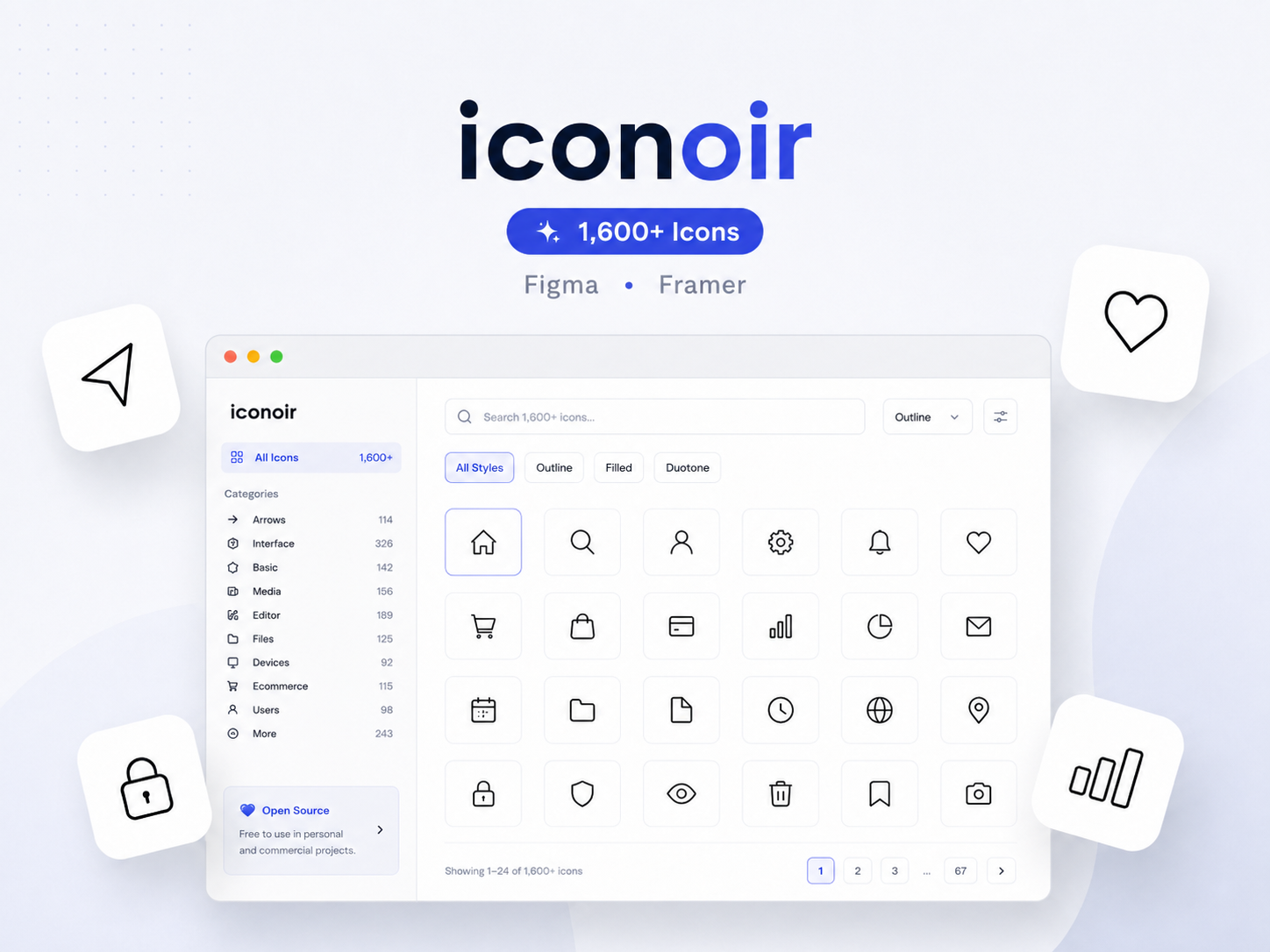
Iconoir is an open-source library containing 1,600+ unique SVG icons, all designed on a 24×24 pixel grid.
What makes Iconoir particularly relevant to modern design workflows is its range of integrations.
The library is available for Figma and is also built directly into Framer's graphics workflow. Developer options include React, React Native, Vue, Flutter, CSS, and other environments.
That makes it useful for teams where the same design language needs to move from design into development.
For someone working in the Framer app or switching between interface design and code, Iconoir provides a relatively straightforward workflow.
Best choice for: Designers and developers who want one open-source icon family across Figma, Framer, and development frameworks.
10. Heroicons
Best for: Tailwind CSS and focused interface projects
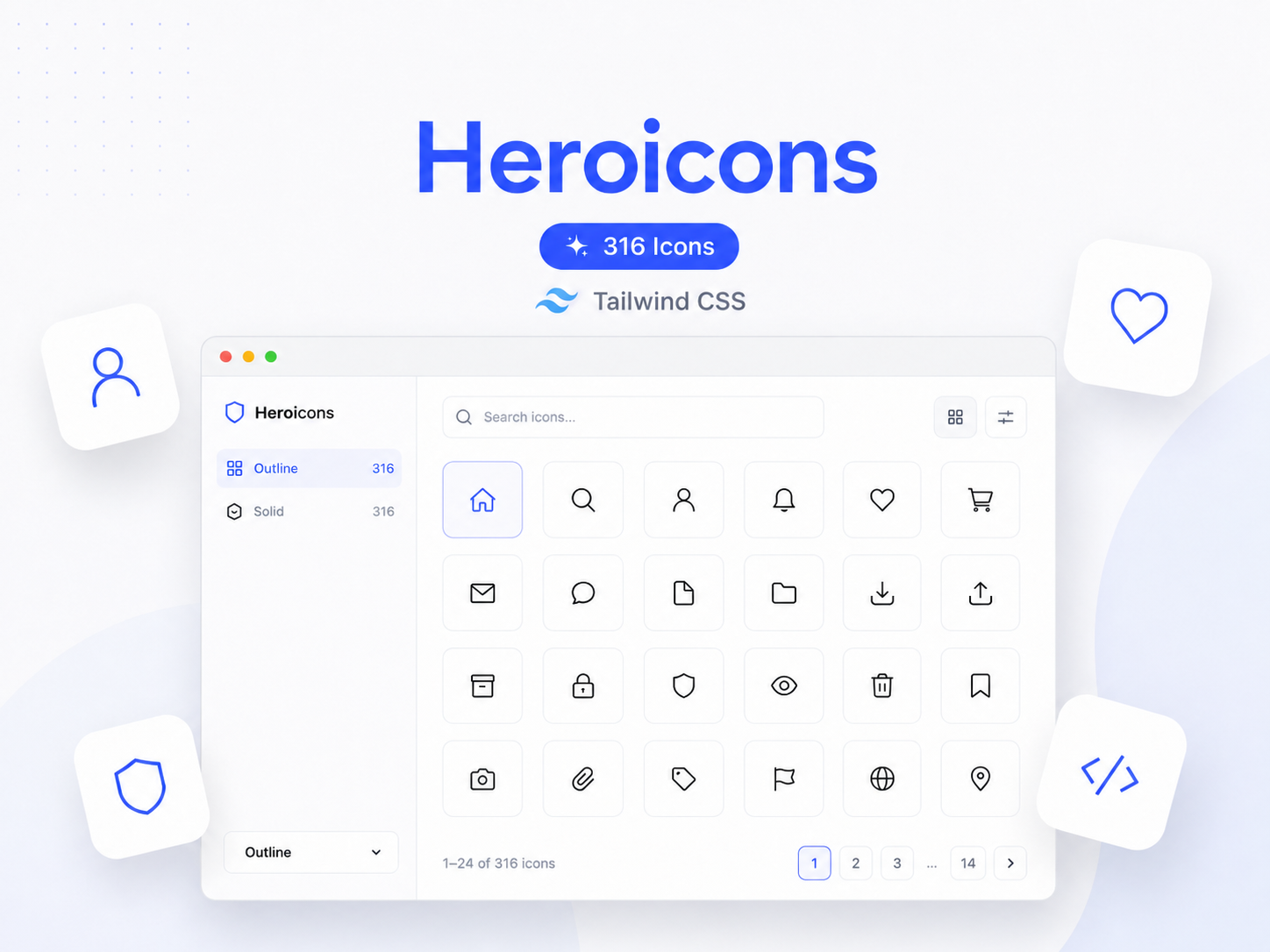
Heroicons is created by the makers of Tailwind CSS and currently includes 316 hand-crafted SVG icons. The library is MIT licensed and provides first-party React and Vue libraries, along with a Figma file.
Compared with the other libraries on this list, Heroicons is much smaller.
But that is not necessarily a weakness.
For many websites and applications, a focused set of common interface icons is enough. A smaller library can also make decision-making easier when you do not need thousands of highly specific concepts.
Heroicons remains particularly suitable for Tailwind-based interfaces and development teams that want a familiar, straightforward icon set.
Best choice for: Tailwind CSS users and projects that only need common UI icons.
What Makes a Good Icon Library in 2026?
The number of icons is an easy metric to compare, but it should not be the only reason you choose a library.
A useful icon system should also fit the way you design and build.
Consistency matters more than random variety
A website can quickly feel unpolished when one icon uses thin rounded lines, another uses sharp corners, and another comes from a completely different visual family.
Before choosing a library, look at:
Stroke consistency
Corner styles
Grid and proportions
Filled and outlined versions
Visual weight
Level of detail
A consistent collection of 2,000 icons may work better for a product than millions of unrelated assets from an icon stock marketplace.
SVG is usually the better format for UI
For modern interfaces, an SVG icon is generally more flexible than a raster image.
SVG files can scale without losing quality and are easier to recolor or adapt to a design system. This is especially useful when building responsive websites in Webflow or Framer.
Rather than downloading a raster image and later trying to convert a PNG to an icon format, starting with a clean SVG often gives designers and developers more control.
A PNG can still be useful for certain graphics, but interface icons usually benefit from being vector-based.
Think about your complete workflow
The best icon library is often the one that removes the most friction from your actual process.
A Figma designer may prioritize native component behavior. A developer may care about React or Vue packages. A Webflow agency may prefer copy-and-paste SVGs. Someone customizing a Webflow template may simply want to find a matching icon quickly and continue building.
For teams moving from Figma to Webflow, or building directly in Framer, access to icons inside the same broader design workflow can save time.
This is where ecosystem-based libraries such as Pagifye and Flowbase become particularly relevant.
Free Icon Library vs Premium Icon Library
A free icon library can be more than enough for many projects.
Tabler, Remix Icon, Lucide, Iconoir, Atlas Icons, and Heroicons all provide strong open-source options.
Premium or freemium libraries can become more useful when you need:
More icon categories
More visual styles
Larger collections
Better search and organization
Workflow integrations
Supporting UI resources
The right choice depends less on whether the library is free and more on whether it saves enough time during real projects.
How Many Icons Do You Actually Need?
Most individual websites will never use thousands of icons.
A typical project may rely repeatedly on familiar assets such as:
Search
Menu
Arrow
User
Settings
Phone icon
Email icon
Calendar
Location
Social icons
The value of a larger icon library appears when you work across many projects or need more specific concepts.
A freelancer, agency, product team, or designer building websites for different industries may regularly need icons for finance, healthcare, AI, e-commerce, real estate, education, travel, or other specialized categories.
In those situations, a larger collection means fewer moments where you need to search for a second library just to find one missing icon.
Which Is the Best Icon Library in 2026?
The best choice depends on your workflow.
Pagifye Icons stands out for designers and developers who want a large collection built around Figma, Webflow, and Framer workflows. With 20,000+ icons, it offers the largest library among the collections compared in this article.
Flowbase is another strong option for no-code creators, with 15,000+ icons and integrations across Figma and Framer.
For open-source projects, Tabler, Lucide, Remix Icon, Atlas Icons, Iconoir, and Heroicons provide reliable alternatives at different collection sizes. Designers who want multiple visual weights may prefer Phosphor, while Untitled UI Icons is particularly strong for a Figma-first workflow.
Ultimately, the best icon library is not simply the one with the highest number.
It is the one that helps you find the right icon quickly, maintain visual consistency, and move from design to production with less friction.
For designers and developers building modern websites and digital products, Pagifye Icons gives you access to 20,000+ pixel-perfect icons for Figma, Webflow, and Framer, all within the wider Pagifye design ecosystem.